|
||||||
|
A NEW FEATURE FOR REGISTERED USERS Create 3,000 High-Quality, Listing-Ready Images in 10 MinutesSpeed. Precision. Control. Up to 10× More Cost-Efficient Than AI Generation. Creating product images should not force you to keep choosing between quality, speed, and cost.
When a design starts selling, you are racing against the time left in the trend. Do not let repetitive placement, recoloring, and exporting hold back a design that has already proved itself. |
||||||
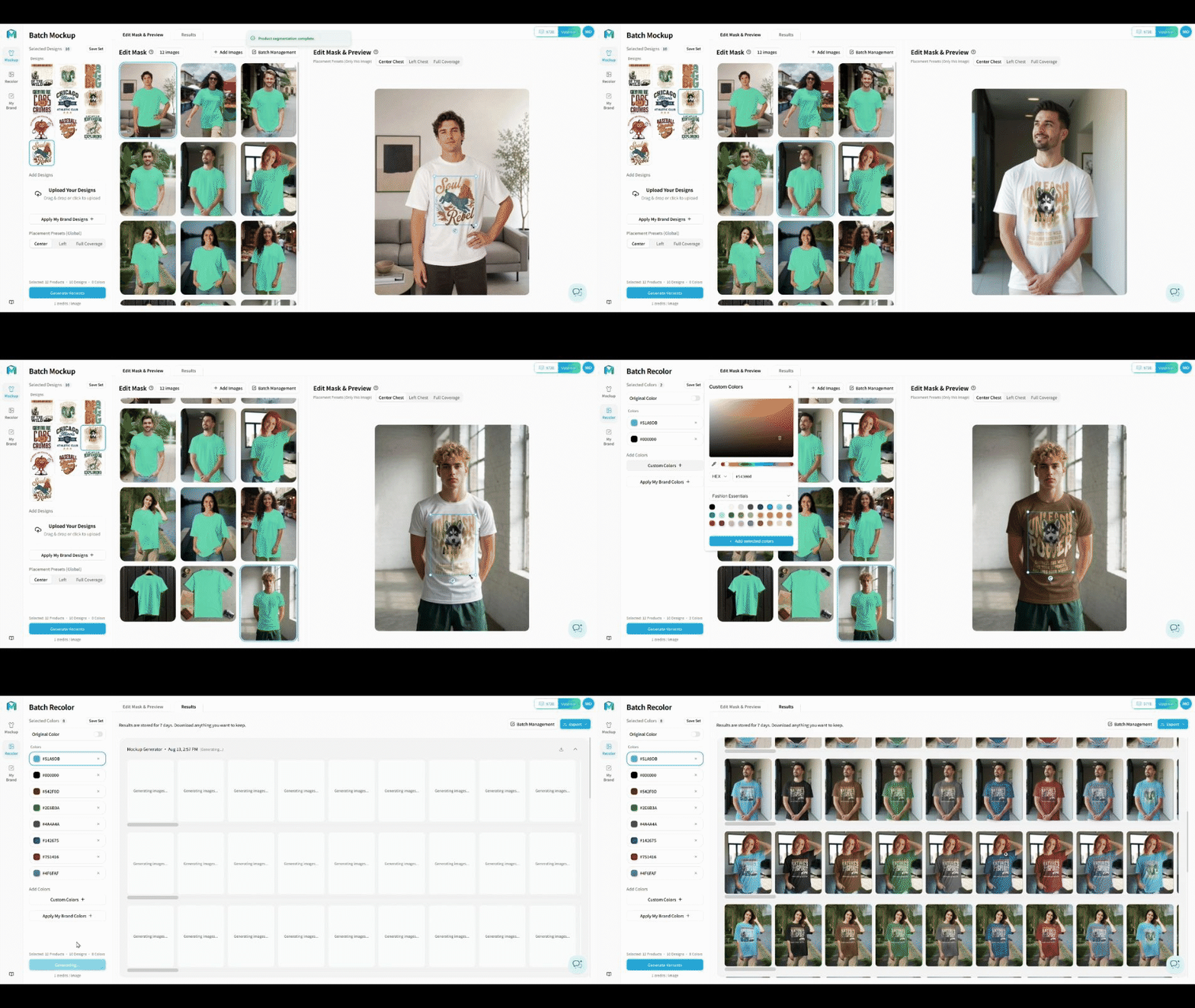
Real product workflow: upload assets, refine the fit, preview colors, and generate results in bulk. |
||||||
|
Create Your First Batch
You are already registered—no new account required. |
||||||
|
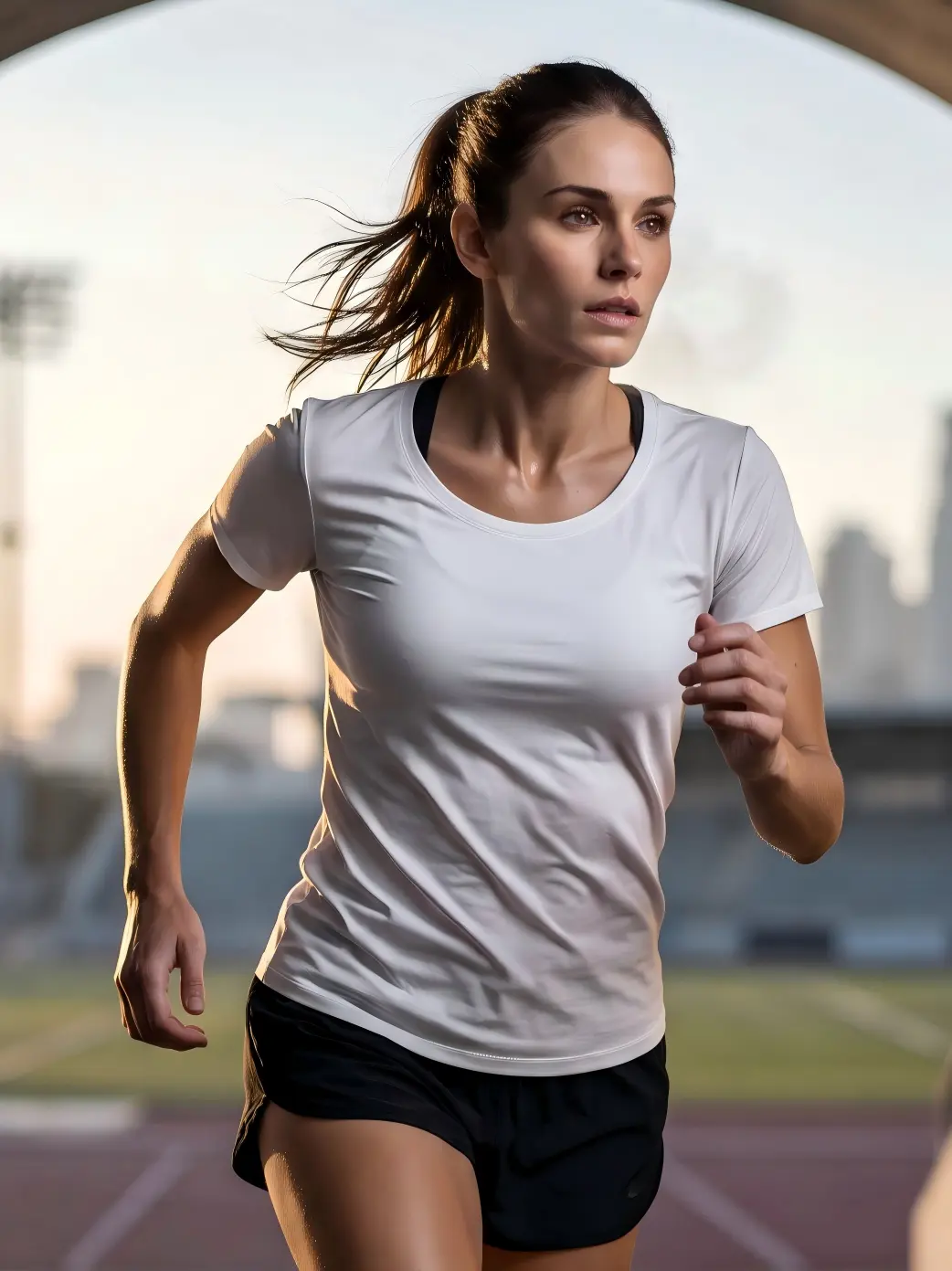
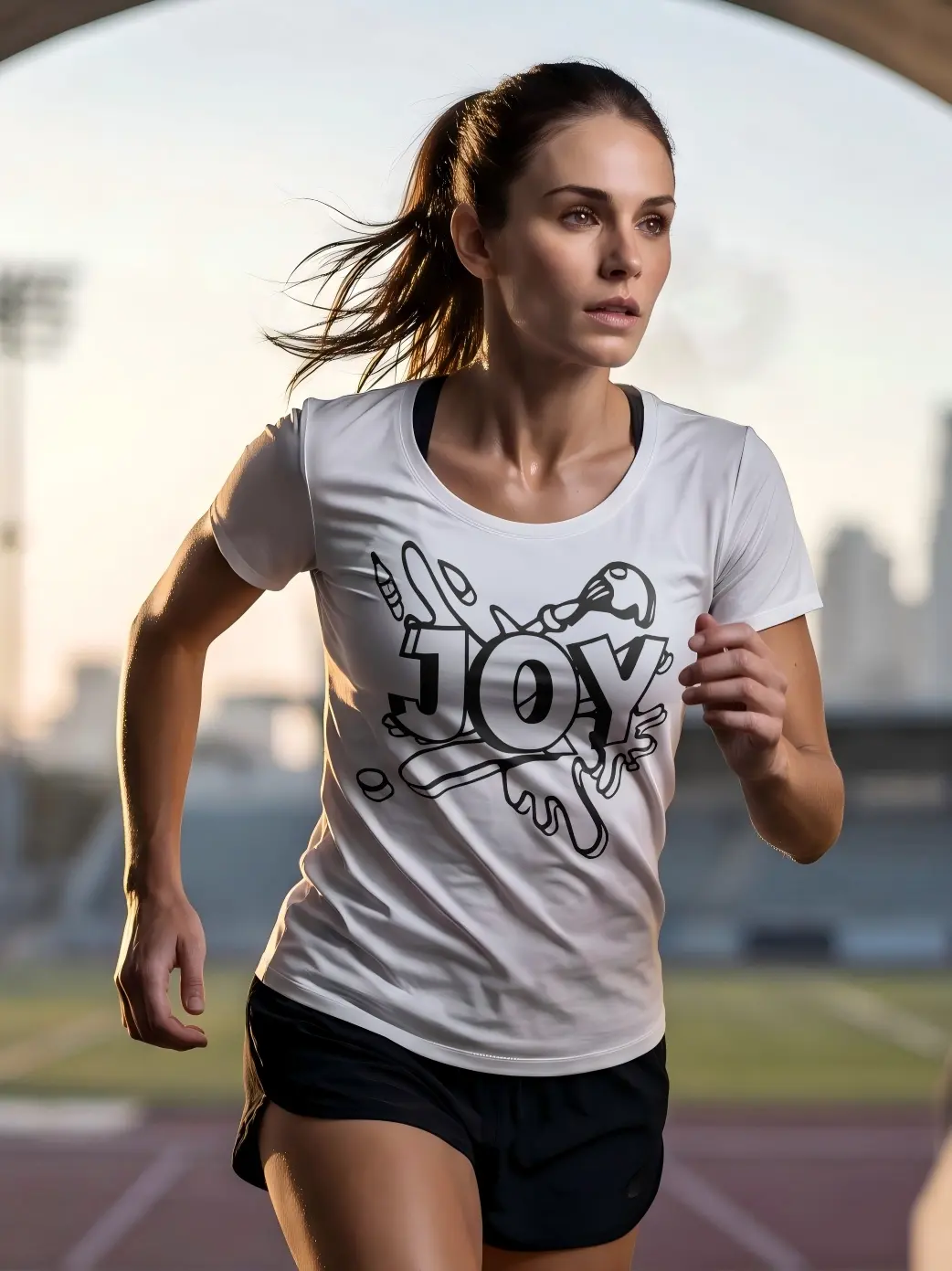
ONE SET OF ASSETS, MORE PRODUCT COMBINATIONS Perfect One Image. Then Scale the Standard.Once your product photos, designs, and product colors are ready, Batch Mockup & Recolor generates the combinations you select:
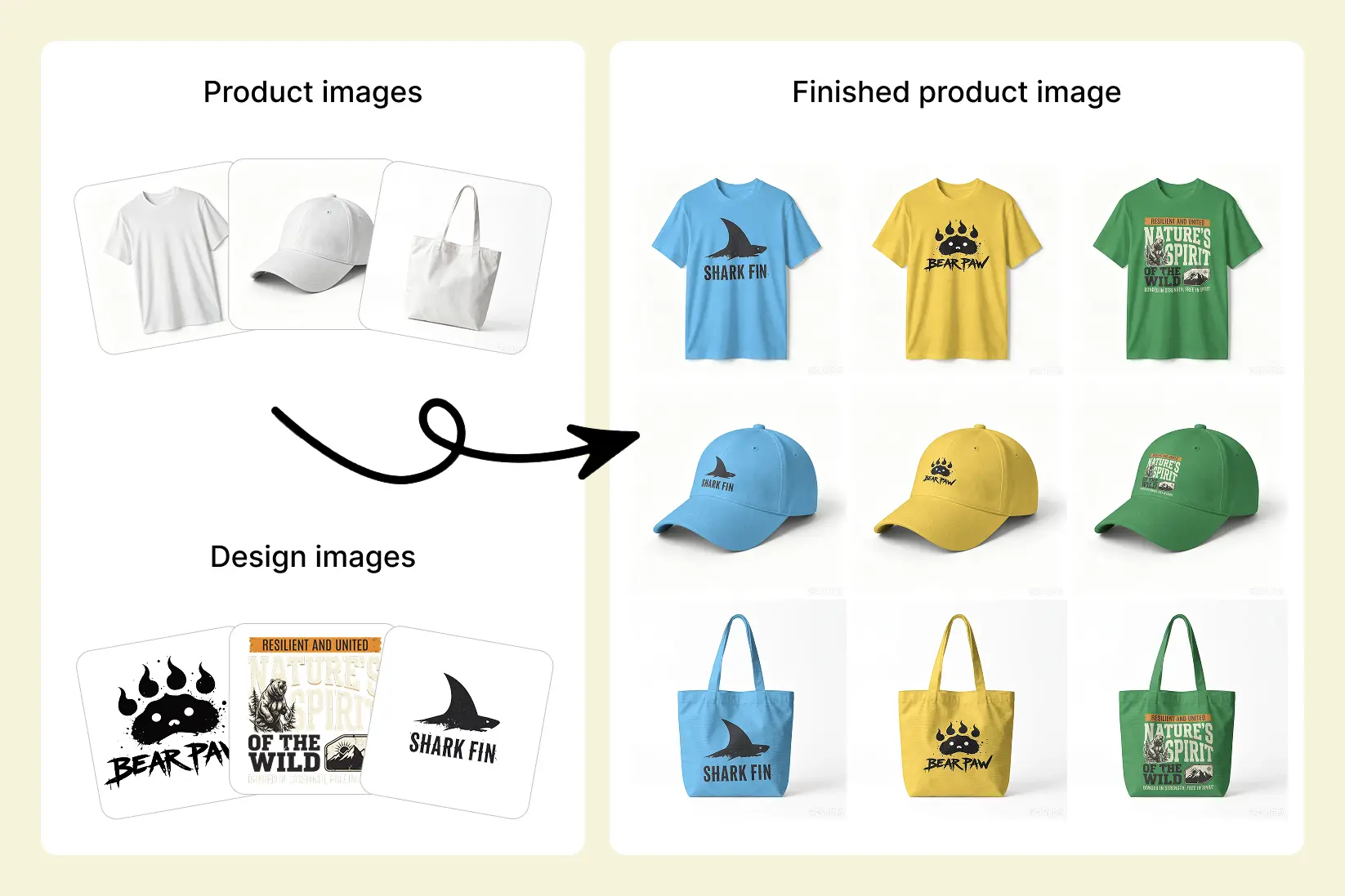
Official example: reuse your own product photos and design files to create new product-image variations. |
||||||
|
FAST—WITHOUT MAKING 3,000 IMAGES LOOK LIKE STICKERS Make the Product Surface Shape the ArtworkProduct angles, curves, and folds shape how the artwork appears while the original highlights, shadows, and material texture remain visible. Important hero images and complex print areas can still be adjusted individually for size, position, and coverage.
Official MockupLabs comparison: the same model, pose, and scene, with visible folds, perspective, and lighting preserved after artwork placement. |
||||||
|
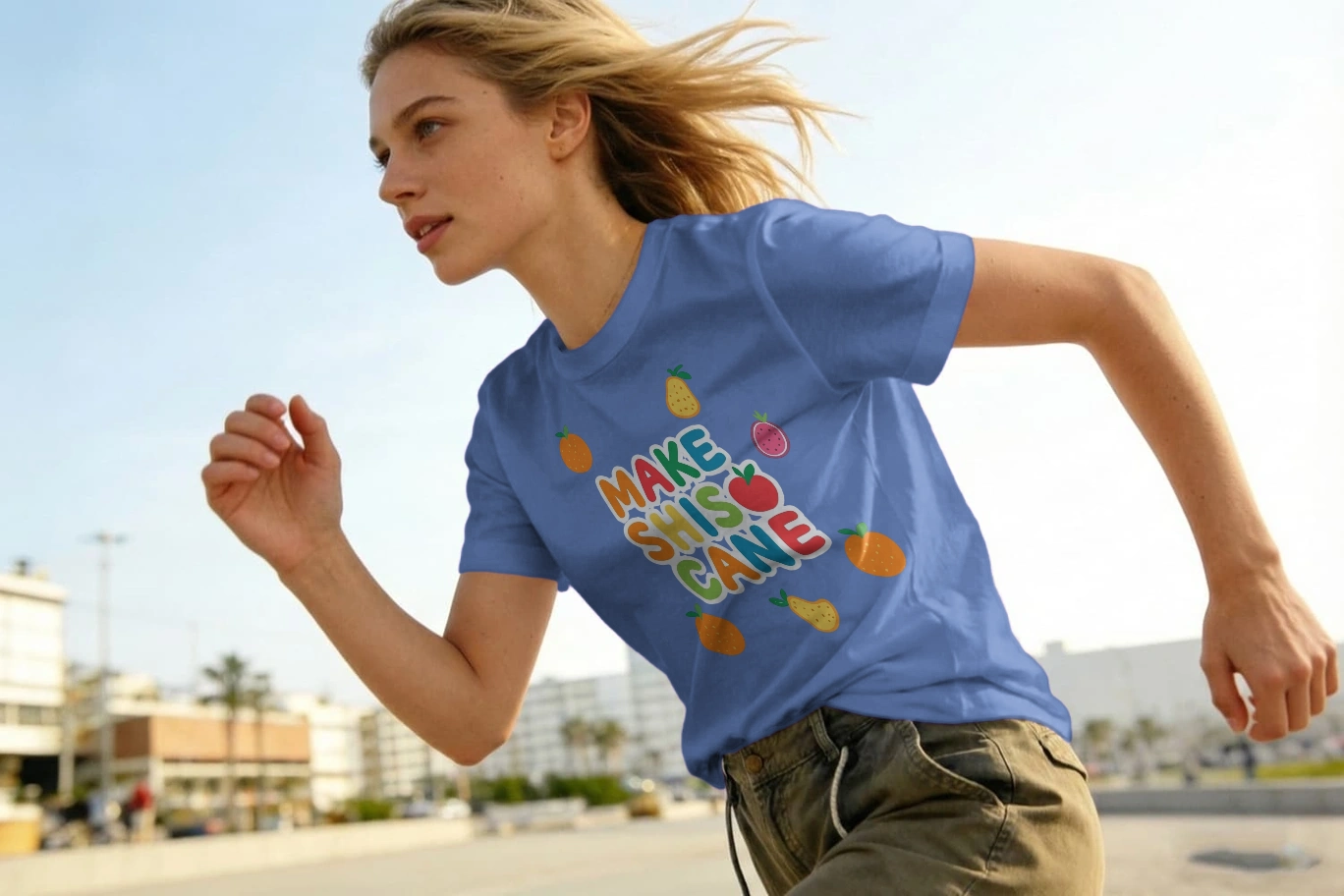
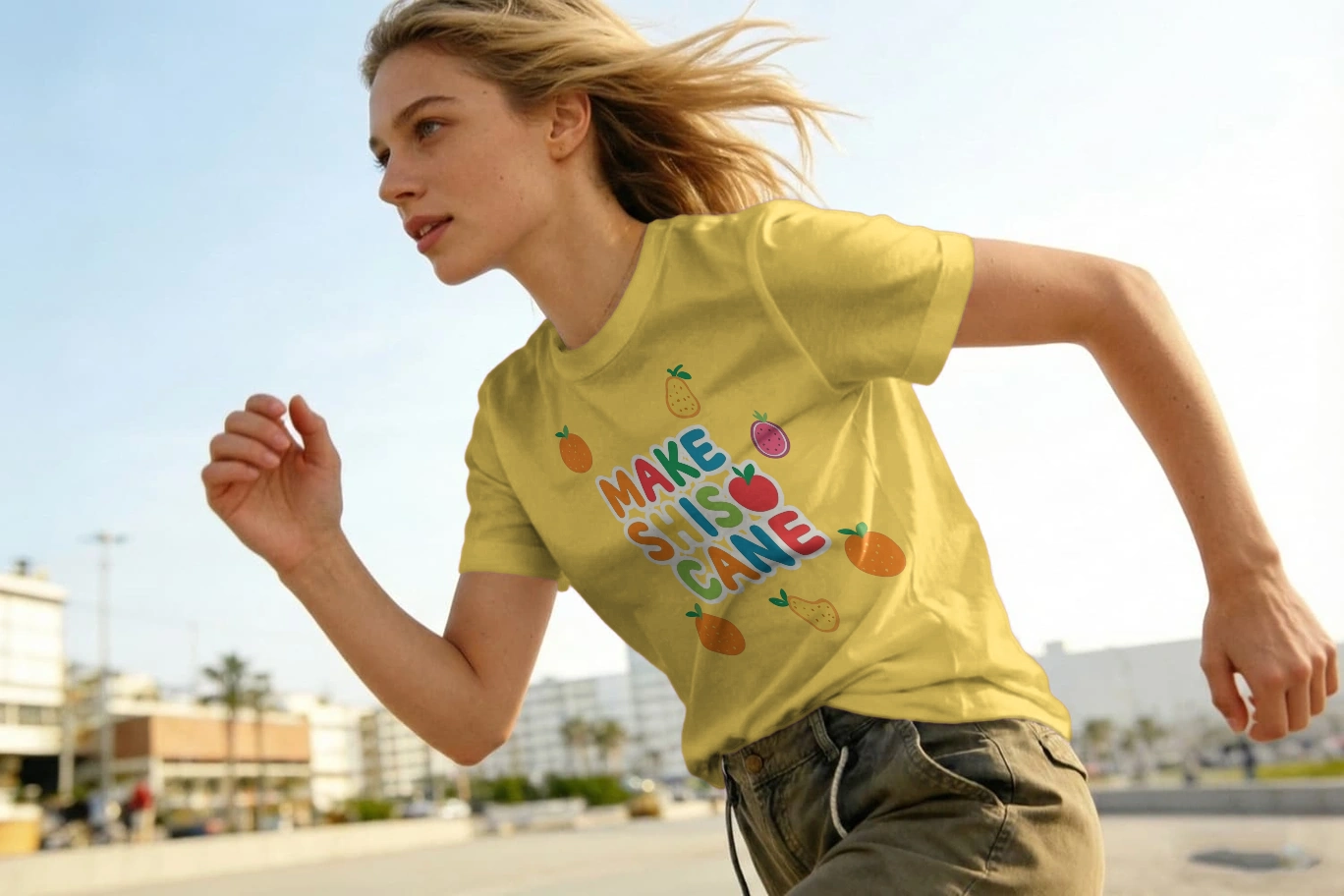
CHANGE THE COLOR—NOT THE REALISM A New Color. Still the Same Product.Add HEX or RGB values to preview new product colors. Recoloring stays focused on the selected product area while helping preserve stitching, texture, folds, highlights, and ambient light.
Quality comparison: as the product color changes, the model, pose, artwork scale, and placement remain consistent. |
||||||
|
CENTER, LEFT, OR FULL COVERAGE Generate in Bulk. Keep Control.Set a shared placement and coverage style first, then refine unusual angles or important hero images individually. Representative product photos can also be used to calibrate AOP patterns before expanding across more products and scenes. 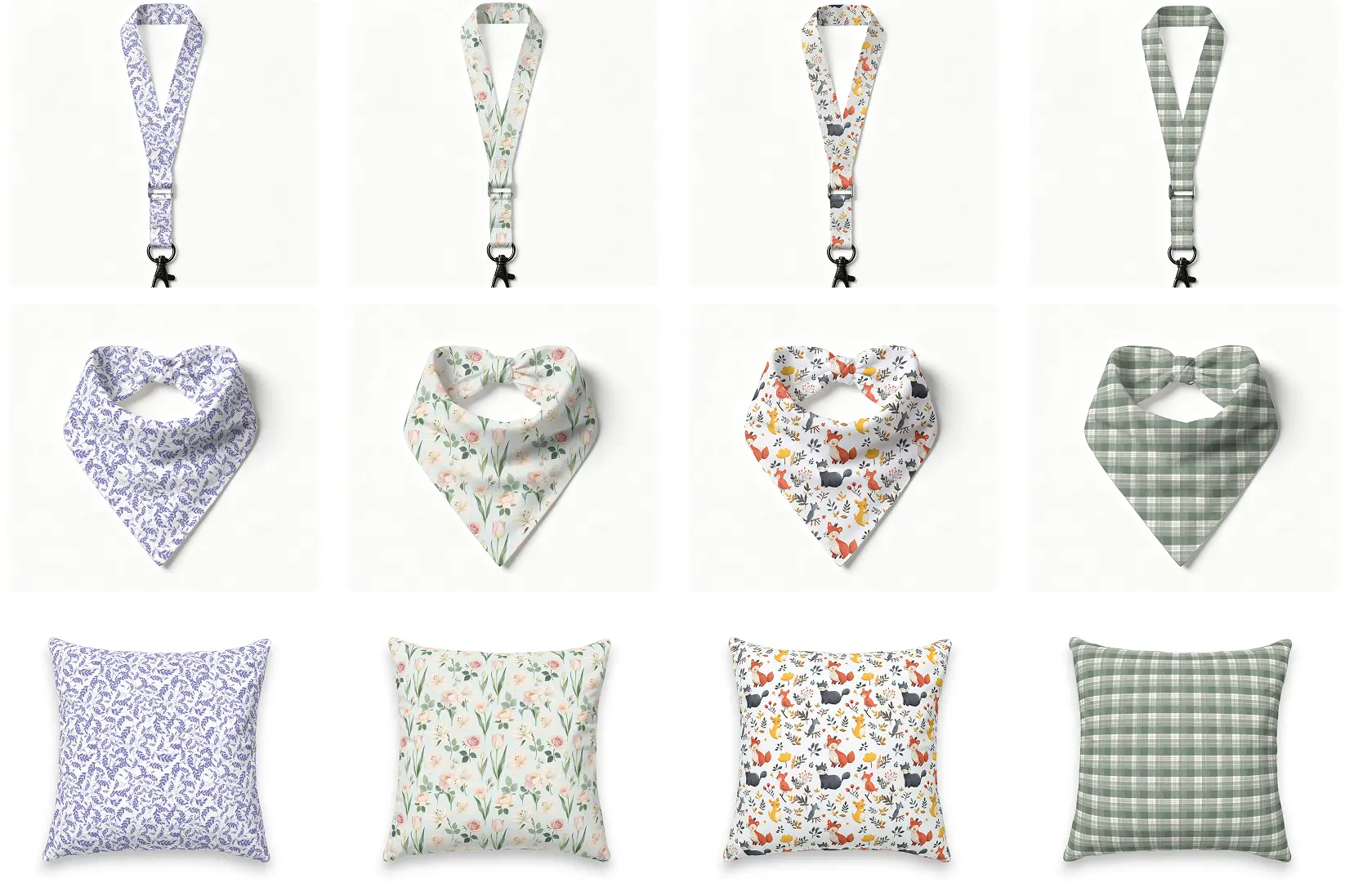
Official AOP example: visible product surfaces carrying repeating patterns. These are listing-image previews, not factory-ready cut-and-sew files. 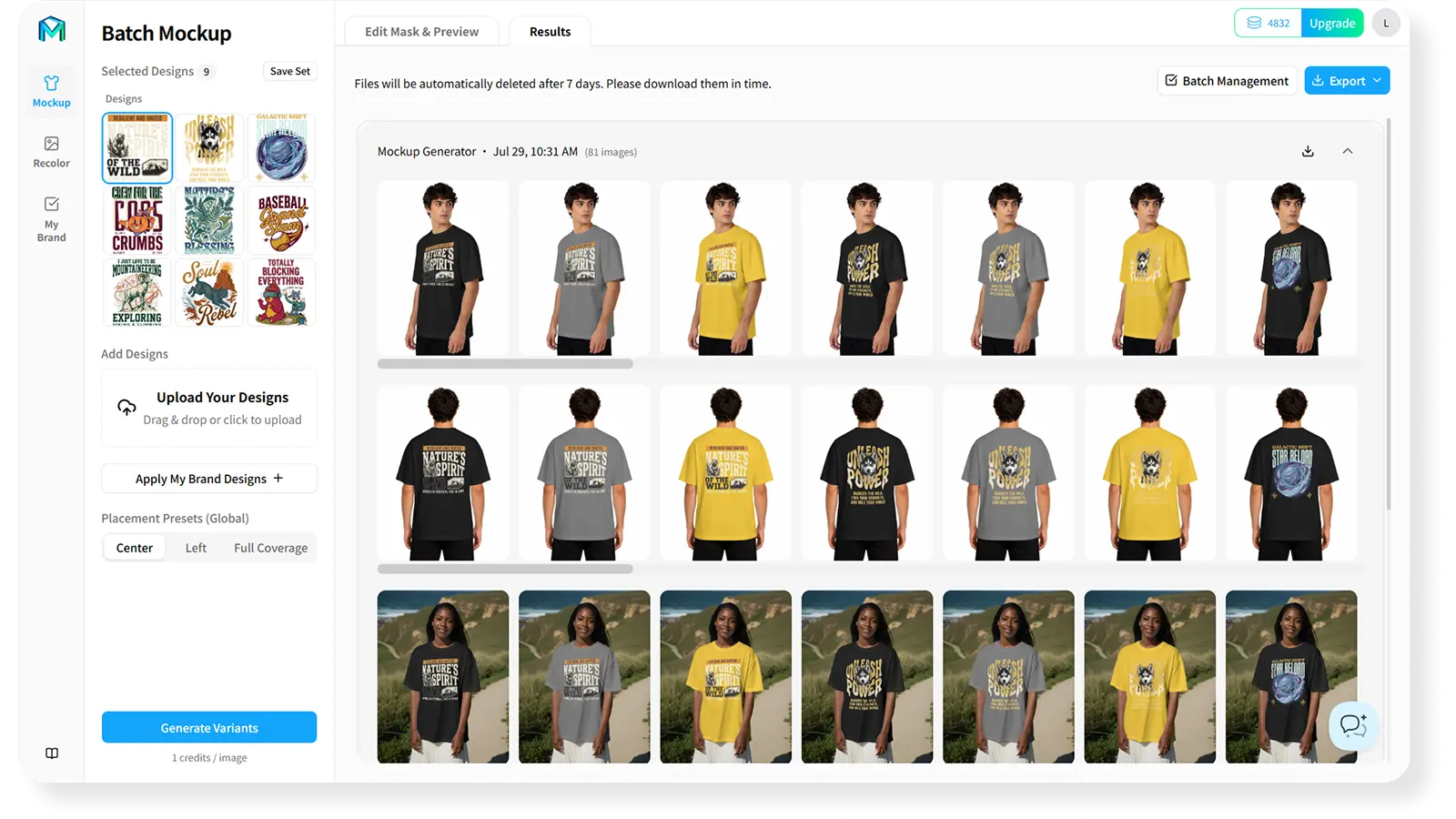
Official interface: select designs, set placement, review batch results, and export. |
||||||
|
VERIFY A SMALL BATCH. THEN SCALE WITH CONFIDENCE. Start With 3–5 Product Photos, 1 Design, and 2–3 ColorsConfirm artwork fit, recolor realism, and mobile-thumbnail clarity before expanding the same standard across your catalog. Scale the result you approved—not the same mistake thousands of times. Start Expanding Products and Colors |
||||||
|
* The 10-minute statement describes an example workflow with product photos, designs, and colors already prepared. Actual time varies with asset count, image complexity, network conditions, and human review. * 3,000 means 300 product photos × 1 design × 10 colors = 3,000 product-image combinations. It does not mean the tool automatically creates 3,000 SKUs, inventory entries, prices, or listings. * “Up to 10× more cost-efficient than AI generation” is based on an internal equal-output batch comparison. Actual differences vary by AI-service pricing, plan, and review requirements. Check complex angles and important hero images before publishing. |